
Grocery budget template: free printable, plus Google Sheets and Excel
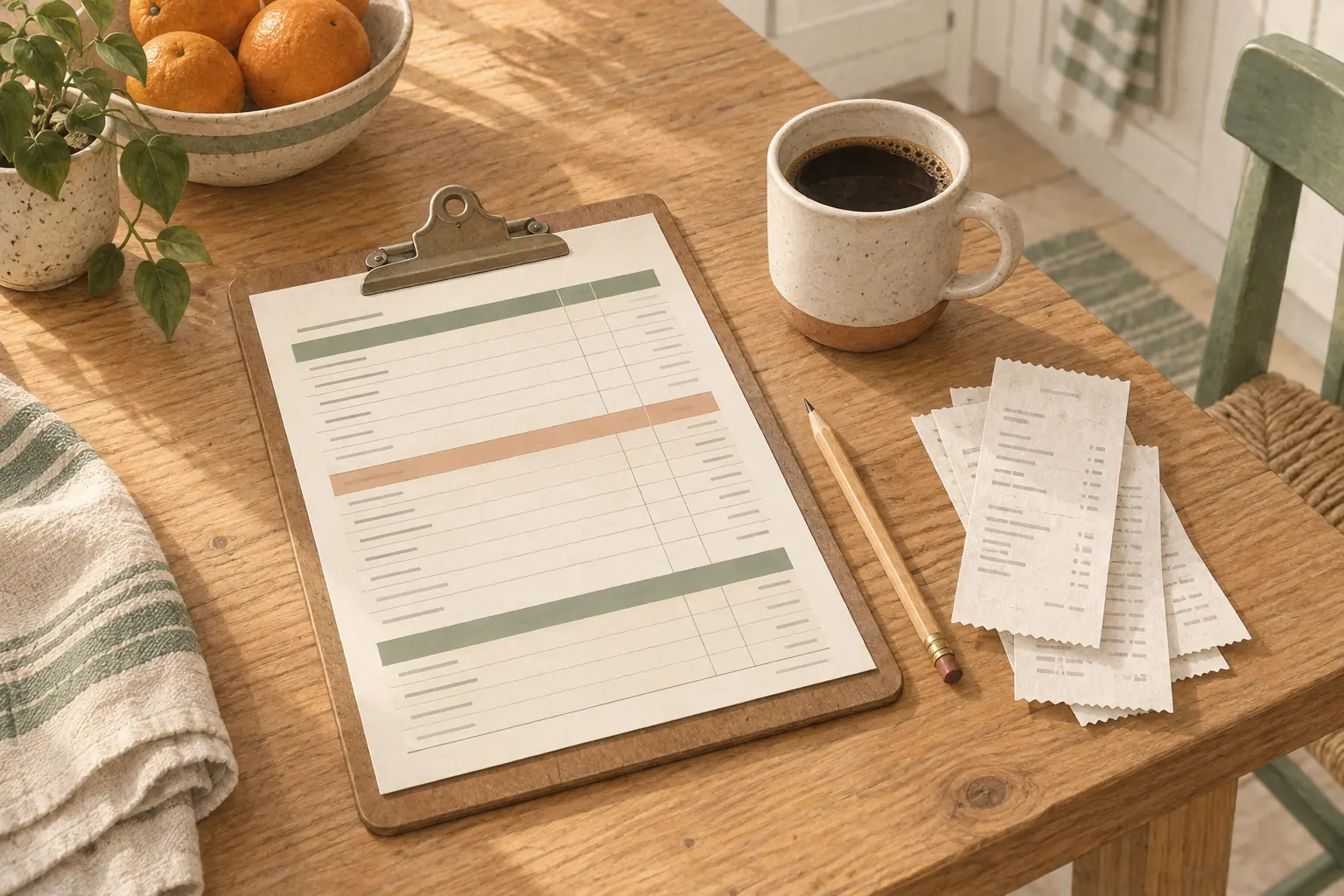
This free grocery budget template is a one-page monthly sheet: one line per receipt, split into food and non-food, with a running total and what's left of the month's budget. It comes as a printable PDF in US Letter and A4, and as a CSV that opens in Google Sheets or Excel, where the formulas below fill in the totals for you.
- Grocery budget template, US Letter (PDF)
- Grocery budget template, A4 (PDF)
- Grocery budget template, CSV for Google Sheets or Excel
What's on the sheet
| Column | What goes in it |
|---|---|
| Date | The day of the shop |
| Store | Where you bought it |
| Food | Everything you'll eat or drink |
| Non-food | Paper towels, detergent, toiletries, pet food, anything else on the same receipt |
| Receipt total | Food plus non-food |
| Spent so far | The running total for the month |
| Left | The month's budget minus spent so far |
The month is split into five weekly bands, with space for six receipts a week in the first four and four in the last. At the top there's a line for the month and one for the budget.
The food and non-food split is the column that's easiest to leave out, and it's the one that makes the numbers mean something. USDA's food plans, which are the usual yardstick for a grocery budget, price food only. If your "grocery" total includes a $30 pack of diapers, you'll compare it with USDA's number and think you're overspending on food when you aren't.
Setting the budget
The simplest honest starting point is USDA's own figure for your household. For July 2026, on USDA's Moderate-Cost plan:
| Household | Per month | Per week |
|---|---|---|
| One adult, 19 to 50, living alone | $405 (woman), $478 (man) | $93, $110 |
| Couple, 19 to 50 | $809 | $187 |
| Family of 4, children 6 to 11 | $1,391 | $321 |
From our guides to a grocery budget for one person, for two and for a family of 4, which work from USDA's July 2026 food plans. For any other mix of ages, our grocery budget calculator does the sum.
Write that number on the Budget line. It's a food budget, so it's the Food column you compare against it; add whatever you normally spend on household items if you want the Left column to cover the whole receipt.
If you shop weekly and want a weekly figure, divide the month by 4.333, the average number of weeks in a month, not by 4.
Filling it in
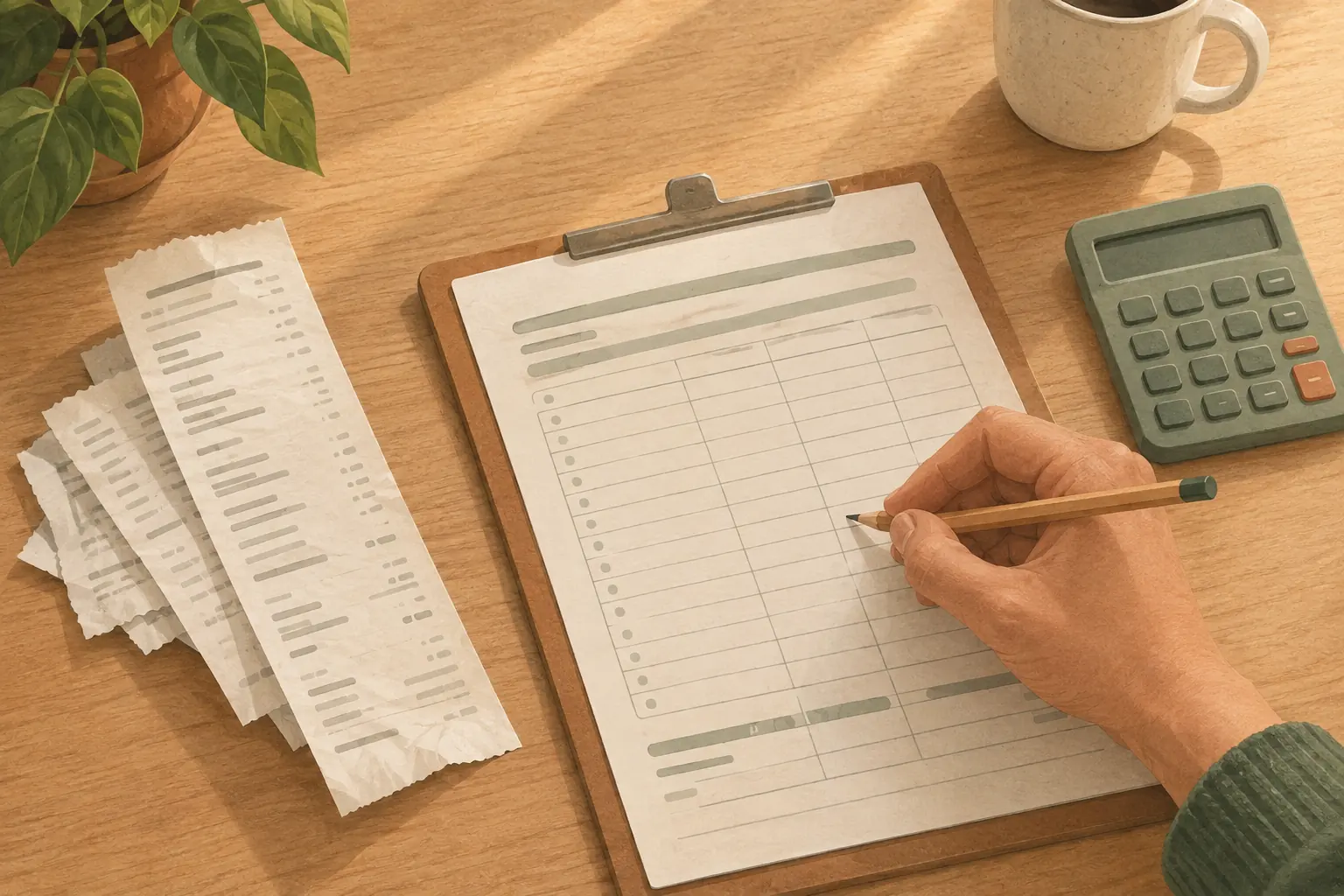
After each shop, take the receipt and write one line:
- The date and the store.
- The food total. Most receipts don't split it for you, so add up the non-food lines and subtract them from the total; it's quicker than adding the food. Grocery receipt codes explains the abbreviations and tax letters that make a receipt hard to read.
- The non-food total.
- The receipt total, the running total and what's left.
On paper, the running total is the one sum that matters: it tells you on the 18th whether the month is on track, while there's still time to change the next shop.
Setting it up in Google Sheets
- In Google Sheets, open File > Import > Upload and choose the CSV. Pick "Replace current sheet" for a new sheet.
- Type Budget in cell J1 and your monthly budget in K1.
- In F2 (Receipt total), type
=IF(C2="","",D2+E2)and fill it down to row 29. - In G2 (Spent so far), type
=IF(C2="","",SUM($F$2:F2))and fill it down. - In H2 (Left), type
=IF(C2="","",$K$1-G2)and fill it down.
The IF(C2="","",…) part keeps the empty rows blank until you type a store name.
To see a week's total, put =SUMIF(A:A,"Week 1",F:F) anywhere to the right, and change the week in the formula for the others. To turn the Left column red when you're over, select column H, open Format > Conditional formatting, choose "Less than" and type 0.
Setting it up in Excel
- Open the CSV with File > Open, then save it straight away as an Excel workbook (.xlsx), or the formulas will be lost the next time you open it.
- The formulas are the same as in Google Sheets: budget in K1, then
=IF(C2="","",D2+E2)in F2,=IF(C2="","",SUM($F$2:F2))in G2 and=IF(C2="","",$K$1-G2)in H2, each filled down to row 29. - For the red warning, select column H and use Home > Conditional Formatting > Highlight Cells Rules > Less Than with 0.
At the end of the month
Three numbers are worth writing on the back of the sheet before you start the next one:
- The food total, against USDA's figure for your household.
- The non-food total, which is worth knowing on its own.
- The biggest single week, which usually means a stock-up or a party, and tells you whether the month was typical.
If the food total is well above USDA's line, two things are worth checking first: food thrown away, and meals that were planned and never cooked. Our guide to how to save money on groceries ranks the fixes, and a grocery price book is the next sheet worth keeping if you want to know which items drove the total up.
A monthly sheet shows the total. It doesn't show where inside the food column the money went. For that, you need the receipts broken down by category; how to track grocery spending compares five ways to do it. Duneed, our iPhone app, reads the line items and prices from a photographed receipt and totals each month by category, which is the category breakdown this sheet leaves out.
Common questions
How do I make a grocery budget?
Start with USDA's monthly figure for your household size and ages, write it at the top of a monthly sheet, and log every receipt with food and non-food apart. After a month, compare your food total with the figure and adjust either the budget or the shopping.
What should a grocery budget include?
Food and drink you buy to eat at home. Non-food items bought on the same trip are better tracked in their own column, because USDA's grocery figures leave them out and they make a food budget look overspent.
Should a grocery budget be weekly or monthly?
Monthly is easier to set, because USDA and most household budgets work in months, and weekly is easier to stick to. This template does both: a monthly budget at the top, with the month split into weeks.
Is there a free grocery budget template for Google Sheets?
Yes: import the CSV above with File > Import > Upload and add the three formulas in the Google Sheets section. The printable PDF is the same layout for paper.
Sources
- July 2026 food plans fns-prod.azureedge.us
Found a mistake? Tell us and we will correct it: support@duneed.app