
How to track grocery spending when your bank gets it wrong
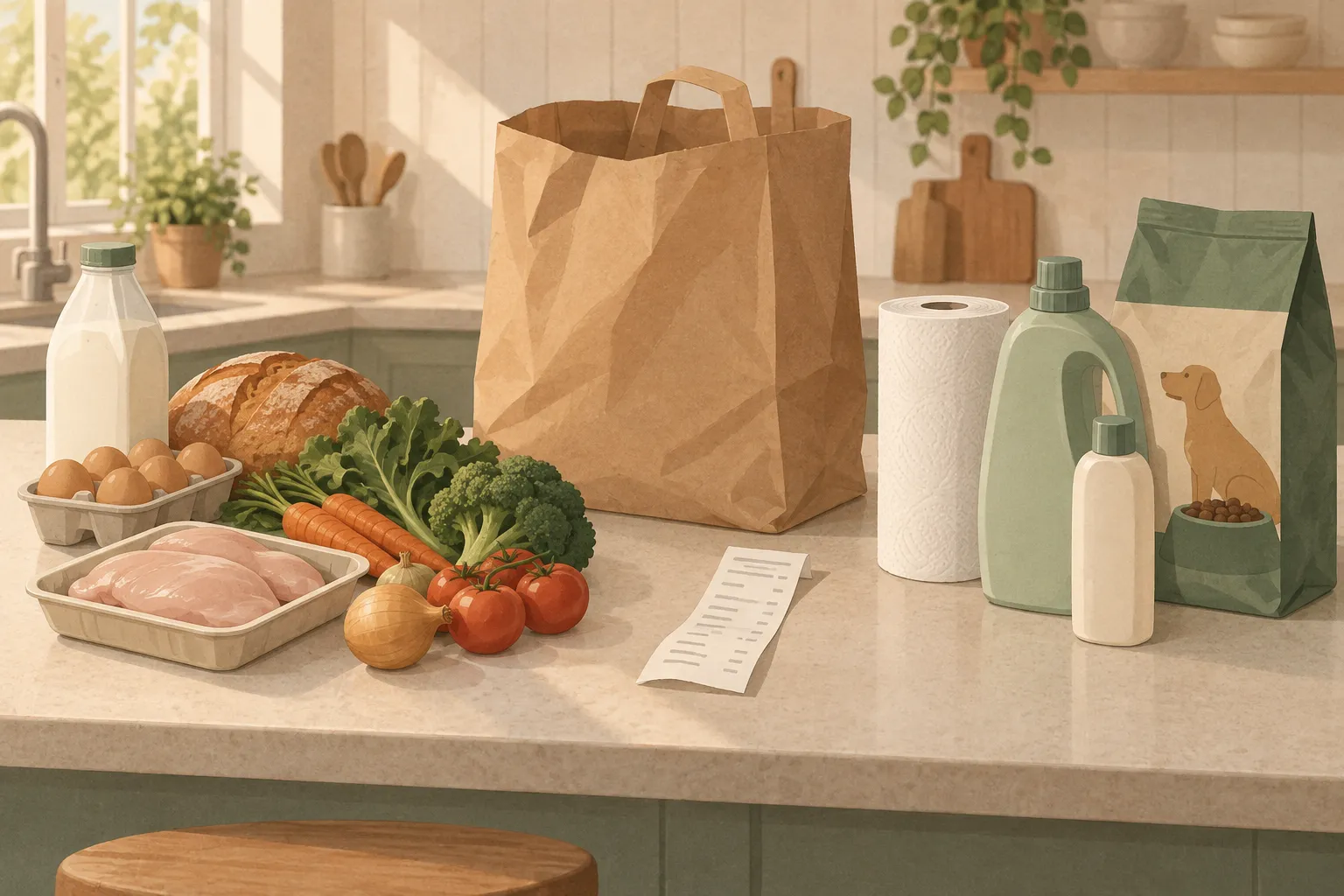
If you want to know how to track grocery spending, start with an uncomfortable fact: the "Groceries" number in your banking app is based on the store you paid at, and it knows nothing about what was in the bag. A single supercenter trip can put paper towels, shampoo and a bag of dog food into that number, or leave a week of dinners out of it entirely.
So the method you pick decides what you'll actually learn.
To track grocery spending accurately, record what's on the receipt rather than what's on the card statement. Pick a month, save every grocery receipt, and log each one as food vs. non-food, then by category (produce, meat, dairy and so on). Card and bank totals are fine as a rough ceiling, but they can't separate food from household goods.
| Method | What you actually see | Effort per trip | Food vs. non-food accuracy | Cost |
|---|---|---|---|---|
| Bank or card categories | One total per store | None | Poor, errors both ways | Free |
| Cash envelope | Money left this week | Low | Poor, only if you split payments | Free |
| Spreadsheet from receipts | Every line, any category you want | 3 to 10 minutes | High | Free |
| Budgeting app (bank import) | One total per store, split by hand | 1 to 5 minutes | Medium, depends on your splitting | Often a subscription |
| Receipt-scanning app | Every line, auto-categorized, you review | About a minute | High, if you check the result | Free tiers, paid for heavy use |
The effort column is our estimate for a typical 15 to 30 line receipt, not a measured figure. The rest of this page goes method by method, with a worked example of one messy receipt split properly.
First, decide what counts as "groceries"
Most tracking falls apart here, before any method is involved. If you count dish soap as groceries one month and not the next, your month-over-month comparison is noise.
A definition that holds up:
- Groceries: food and drink bought to eat or drink at home. Include snacks, coffee beans, baby formula and bottled water.
- Household: cleaning supplies, paper goods, trash bags, foil and zip-top bags.
- Personal care: toiletries, cosmetics, over-the-counter medicine.
- Pet: food, litter, treats. Keep it separate. A 30 lb bag of kibble every few weeks will swing your "food" line in a way that has nothing to do with how your family eats.
- Takeout and restaurants: not groceries. The Bureau of Labor Statistics keeps these apart too. In its 2024 Consumer Expenditure Survey, the average household spent $6,224 on food at home and $3,945 on food away from home.
Alcohol is a judgment call. Put it in its own line if you want to know what it costs you. Whatever you decide, write the rule down once and stick to it.
Method 1: bank and card statement categories
This is where most people start, because it takes zero effort. Your bank or card app already sorts transactions into "Groceries," "Shopping," "Gas" and so on.
The problem is how that sorting works. Card networks assign each business a four-digit merchant category code (MCC) based on the type of goods or services it sells, and the category follows the merchant, not the items in your cart. As Experian explains, code 5411 covers grocery stores and supermarkets, while Costco, Sam's Club, Walmart and Target typically don't fall into a grocery code at all. The Points Guy makes the same point about rewards cards: Walmart and Target are usually treated as superstores, and warehouse clubs like Costco aren't counted as groceries on many cards.
That makes the "Groceries" category wrong in both directions:
- It overcounts at supermarkets. Everything you buy at a store coded as a grocery store lands in Groceries: the birthday card, the gift card at the checkout, the laundry detergent, the cold medicine.
- It undercounts at big-box stores. A Target or Costco run that's 70% food usually shows up as general shopping or a warehouse club, so the food in it disappears from your grocery total.
If you shop mostly at one supermarket and rarely buy anything but food there, bank categories are close enough. If you do a weekly Walmart, Target or Costco run, they aren't. One partial workaround is to ask the cashier to ring up household items as a separate transaction. It works, but it depends on you remembering every single trip, and on a patient line behind you.
Use the bank number as a ceiling on what left your account at food-selling stores. Don't use it to decide whether your food spending went up.
Method 2: the envelope or cash system

You withdraw a fixed amount (say $150 a week), put it in an envelope, and pay for groceries only from that envelope. When it's empty, you're done until next week. A digital version does the same with a separate debit card or a number you subtract receipts from.
The envelope is very good at one thing: stopping you from going over. It's poor at telling you where the money went. At the end of the week you know you spent $150, but not whether that was $40 of meat and $12 of chips or the other way around. It also has the same food vs. non-food problem as the bank, unless you pay for household items from a different envelope.
If overspending is your problem, use an envelope. If you don't know why your spending climbed, you need line items, which means one of the next three methods.
Method 3: a grocery spending spreadsheet built from receipts
A spreadsheet is the most accurate free method and the most tedious one. You type in what's on the receipt, line by line, and tag each line.
A grocery spending tracker template you can copy
Use one row per receipt line, not one row per trip. Per-trip rows are quicker to enter and far less useful, because they can't be split later.
| Date | Store | Item | Category | Food? | Price | Unit price (optional) |
|---|---|---|---|---|---|---|
| 2026-09-06 | Supercenter | Whole milk, 1 gal | Dairy & eggs | Yes | 3.48 | 3.48 / gal |
| 2026-09-06 | Supercenter | Paper towels, 6 rolls | Household | No | 8.97 |
Keep your category list short. Eight to twelve categories is plenty: produce, meat & fish, dairy & eggs, bakery, pantry (dry goods, cans, oils), frozen, snacks & sweets, drinks, plus household, personal care, pet and tax. Skip the unit-price column for most things. Nobody needs the per-ounce price of dried oregano. Fill it in for the five to ten staples you buy every week, because those are the ones where price changes add up.
For monthly totals by category, a pivot table on Date (grouped by month) and Category does the job in Excel or Google Sheets. If you'd rather use a formula, this sums produce for September 2026, assuming dates in column A, category in D and price in F:
=SUMIFS(F:F, D:D, "Produce", A:A, ">="&DATE(2026,9,1), A:A, "<"&DATE(2026,10,1))
Worked example: splitting one mixed receipt
Here's a supercenter receipt with made-up but realistic prices. The card statement shows a single charge of $85.96. Receipt lines are abbreviated and sometimes cryptic; if a code or letter on yours makes no sense, our guide to what grocery receipt codes mean decodes the common ones.
| Receipt line | Price | Food? | Category |
|---|---|---|---|
| Whole milk, 1 gal | 3.48 | Yes | Dairy & eggs |
| Large eggs, 12 ct | 2.97 | Yes | Dairy & eggs |
| Cheddar, 8 oz | 2.67 | Yes | Dairy & eggs |
| Bananas, 2.4 lb @ 0.58/lb | 1.39 | Yes | Produce |
| Baby spinach, 5 oz | 2.98 | Yes | Produce |
| Chicken thighs, 3.1 lb | 8.66 | Yes | Meat & fish |
| Ground beef, 1 lb | 5.97 | Yes | Meat & fish |
| Sandwich bread | 2.48 | Yes | Bakery |
| Frozen peas, 2 @ 1.12 | 2.24 | Yes | Frozen |
| Sparkling water, 8 pk | 4.48 | Yes | Drinks |
| Paper towels, 6 rolls | 8.97 | No | Household |
| Laundry detergent | 12.97 | No | Household |
| Shampoo | 4.97 | No | Personal care |
| Dog food, 15 lb | 18.98 | No | Pet |
| Sales tax (charged on the non-food lines in this example) | 2.75 | No | Tax |
| Total charged | 85.96 |
Rolled up, the same receipt looks like this:
| Category | Amount |
|---|---|
| Dairy & eggs | 9.12 |
| Produce | 4.37 |
| Meat & fish | 14.63 |
| Bakery | 2.48 |
| Frozen | 2.24 |
| Drinks | 4.48 |
| Food total | 37.32 |
| Household | 21.94 |
| Personal care | 4.97 |
| Pet | 18.98 |
| Tax | 2.75 |
| Non-food total | 48.64 |
Now compare that to what the bank would report. If this store is coded as a grocery store, your grocery category shows $85.96, which is 2.3 times the real food spend ($85.96 ÷ $37.32). If it's coded as a discount store, this trip adds $0 to your grocery category. The actual answer, $37.32, isn't available anywhere except the receipt.
Notice where the tax went. Sales tax rules on food vary by state and keep changing (Arkansas and Illinois both dropped their state sales tax on groceries for 2026, though local taxes can still apply), so don't spread tax evenly across every line. Your receipt usually marks which lines were taxed. Put the tax in its own line, or assign it to the lines it was charged on.
The honest downside: typing that receipt takes several minutes, and a big weekly shop at 40 lines takes longer. A spreadsheet is a great tool for a one-month audit. As a year-round habit, it asks a lot.
Method 4: budgeting apps that import bank transactions
Apps like YNAB connect to your bank and pull in transactions automatically. They're excellent for your whole budget: rent, subscriptions, debt, savings goals. For groceries specifically, they have the bank's blind spot, because the imported data is the same merchant name and total you already saw on your statement.
What these apps add is splitting. You open the $85.96 transaction, split it into Groceries $37.32, Household $21.94 and so on, using the paper receipt as your guide. This walkthrough of YNAB split transactions recommends rounding the split amounts rather than doing exact math, which is a sensible trade: your categories get close to right and you don't spend ten minutes per receipt. You still get category totals, not item detail, so you can't see that ground beef went up but chicken didn't.
One note if you're reading older advice: plenty of grocery-budget articles still recommend Mint. Intuit shut Mint down in March 2024 and moved users to Credit Karma, which at the time of the switch didn't offer monthly or category budgets.
Method 5: receipt-scanning apps that read line items
A receipt-scanning app does the spreadsheet work for you. You photograph the receipt (or take a screenshot of a digital one), the app reads each line, matches it to a category and keeps the price.
The good ones share three traits, and they're worth checking before you commit:
- A review step. Receipt text is abbreviated and scanners misread it. "ORG BNLS CHKN" is easy for an app to categorize; a store-brand code with no description isn't. You should see the parsed list and be able to fix a name, a price or a category before it's saved. An app that silently saves its best guess will quietly corrupt your totals.
- Honest limits on the free tier. Most cap the number of scans. Count how many grocery trips you make in a month and check whether the free tier covers them.
- A clear answer on the image. A receipt shows where you shop, when, and sometimes the last digits of your card. Find out whether the photo is kept, and where.
Duneed is one of these apps, for iPhone. It reads the line items from a receipt photo or screenshot, assigns categories and carries over the prices, and you review and edit the list before anything is saved. The receipt image is deleted after it's read, on the phone and on the server. Spending then shows as totals by month and by category, compared with last month.
The limitation of every scanning app is the same: it only knows what you scan. Cash purchases at a farmers' market or a receipt you threw away need to be added by hand, or your month will look cheaper than it was. Best grocery receipt scanner apps compares the apps that read line items with the ones that only pay rewards. If some of your groceries come by delivery, is Instacart more expensive than in store shows how to compare a delivery receipt with a store one.
What a line-item view tells you that a card total can't
A monthly total answers "how much?" Line items answer "on what?", which is the question you need answered before you can change anything.
Which categories actually grew
Food prices don't move together. USDA's Economic Research Service, in its Food Price Outlook updated August 2026, forecasts food-at-home prices up 2.5% in 2026 overall, but beef and veal up 9.8%, fresh vegetables up 5.9% and sugar and sweets up 7.1%, while egg prices are forecast to fall 30.8% and dairy to stay flat. Our grocery inflation calculator shows how far each aisle has moved between any two months since 2000.
That spread means your grocery total can look stable while one category climbs sharply and another quietly falls. If your meat line went from $180 to $215 while dairy dropped, a card total that moved $10 hides both. With categories, you can see that switching two beef dinners a week to chicken would save more than cutting snacks.
What you pay for the same staple over time
Pick the items you buy almost every trip: milk, eggs, bread, coffee, chicken, bananas. Log their unit price for a few months. You'll see price creep on specific items, the week a store-brand swap would have saved money, and "shrinkflation" when a package gets smaller at the same price. Unit price matters here more than sticker price, so write down the size; a grocery price book is the one-page version of this habit, and a unit price calculator does the division when two packs are labeled differently.
How much non-food rides along
In the worked example above, more than half the receipt wasn't food. If your "grocery bill" feels too high, check the non-food share before cutting anything you eat.
What you threw away
Food you bought and threw out costs you twice, once at the store and again when you buy its replacement. Tracking it takes a separate step. You note what you throw out and what it cost, which is easy if you already have line-item prices. Duneed Premium counts discarded items and their cost from the receipt prices. To see what your own waste rate costs over a year, put it in the food waste calculator. On paper, a tally sheet on the fridge works. Setting expiry dates on the things most likely to go off helps too; our guide to tracking expiration dates covers how.
How to track grocery spending per month: a routine that sticks
The Consumer Financial Protection Bureau suggests running a spending tracker for at least two weeks, or even a month, before drawing conclusions. For groceries, a full month is the minimum, because stock-up trips (a Costco run, a big freezer fill) distort anything shorter.
- Month one: record, don't judge. Save every receipt, including small top-up trips. Log them in whatever method you picked. Don't try to spend less yet; you're measuring.
- At month end: split and total. Food total, then each food category, then non-food. Count the trips too, and add up the small top-up runs separately; they're the easiest spending to forget.
- Compare against a benchmark. Look up what's typical for your household size; our breakdown of how much to spend on groceries uses USDA's food plan costs.
- Month two onward: compare this month with last month, category by category. Pick one category to change, not five.
- Watch for five-week months. A month with five shopping weekends will look worse than one with four. Compare per week if your totals jump around.
If you share groceries with a partner or roommates, everyone's receipts need to land in the same place, or your totals are half the picture. That's mostly a household agreement problem, and a shared grocery list is a good place to start it.
Which method should you use?
Match the method to the question you're asking.
- "Am I overspending?" Use the envelope, or just the bank total if you shop at one supermarket.
- "Where is the money going?" Use receipts, in a spreadsheet for a one-month audit or a scanning app if you want to keep going.
- "How do groceries fit my whole budget?" Use a budgeting app, and split your big-box transactions by hand.
Plenty of people combine two: a budgeting app for the overall picture, and receipts for the food detail the app can't see.
Once you can see where the money goes, how to save money on groceries ranks what to change first.
FAQ
Does Costco count as groceries on my credit card?
Usually not. Costco and other warehouse clubs typically aren't coded as grocery stores, so purchases there often show up under a warehouse or general merchandise category instead. Some card issuers treat them differently, so check your card's terms. Either way, a Costco total mixes food with everything else, so it needs splitting.
Should household items be part of a grocery budget?
Budget for them, yes. Track them as groceries, no. Keep household supplies, personal care and pet costs in their own lines so you can tell whether food spending changed or you just bought a year's worth of trash bags. Our grocery budget template has separate Food and Non-food columns for exactly this.
Is there a free way to track grocery spending?
Yes. A spreadsheet from receipts costs nothing and is the most accurate free option. The cost is your time. Bank categories and cash envelopes are free too, but they can't tell you what you bought.
Sources
- 2024 Consumer Expenditure Survey bls.gov
- Experian explains experian.com
- The Points Guy thepointsguy.com
- vary by state and keep changing taxfoundation.org
- This walkthrough of YNAB split transactions peaceofmindspending.com
- shut Mint down in March 2024 engadget.com
- Food Price Outlook updated August 2026 ers.usda.gov
- at least two weeks, or even a month consumerfinance.gov
Found a mistake? Tell us and we will correct it: support@duneed.app