
Printable grocery list by category: free PDF, A4 and CSV
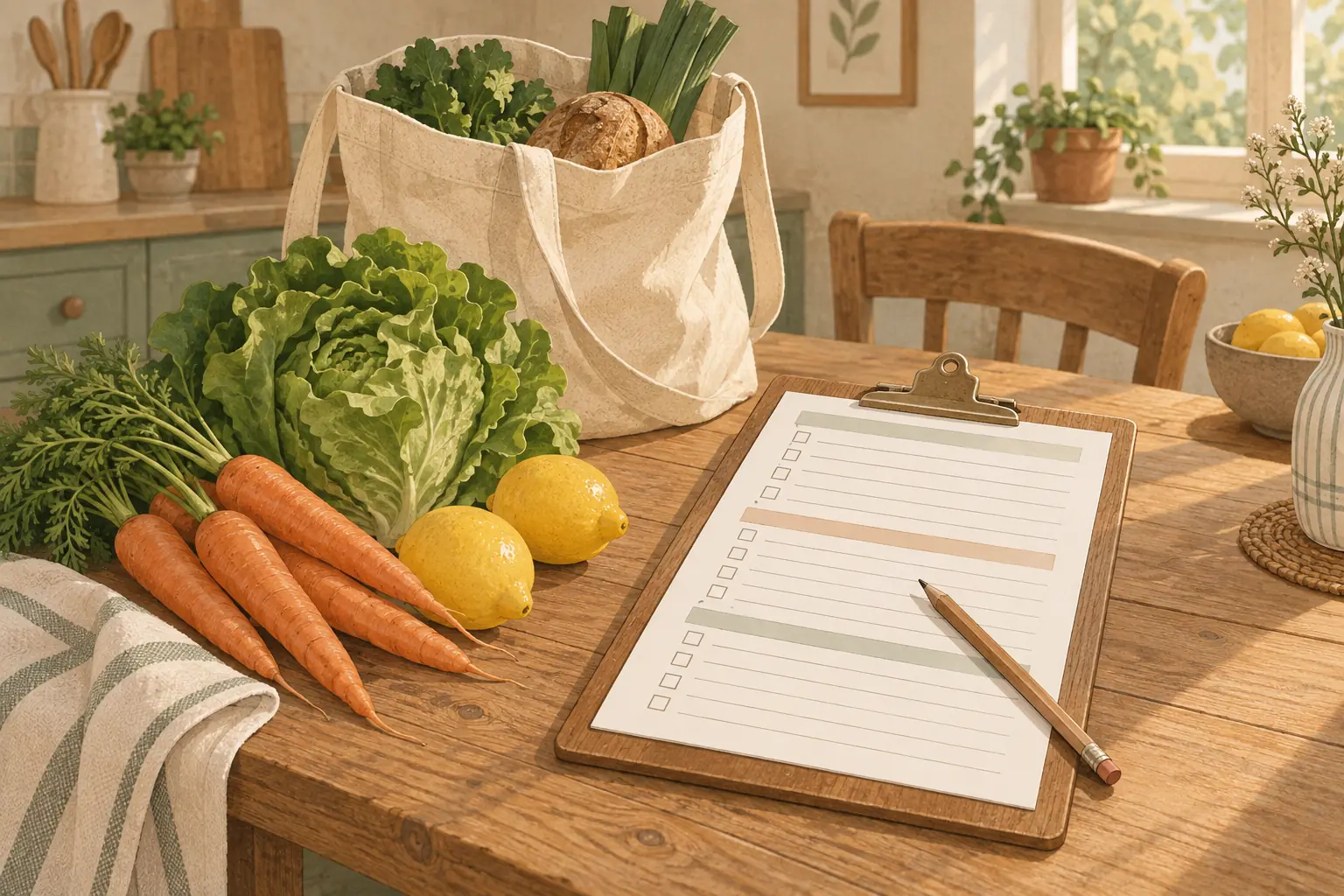
This is a free printable grocery list organized by category, in the order of a common US supermarket layout: produce first, frozen last. It prints on one page in US Letter or A4, there's a CSV for Google Sheets or Excel, and there's no email signup.
Download the grocery list
- Grocery list by category, US Letter (PDF)
- Grocery list by category, A4 (PDF)
- Grocery list by category (CSV, for Google Sheets, Excel or Numbers)
One page, 29 lines in 10 sections. Each line has five columns:
| Column | What it's for |
|---|---|
| Have | Tick it at home if you already have the item, so it doesn't get bought twice |
| Item | What you need |
| Qty | How many, or how much (2 lb, 1 dozen, 3 cans) |
| Price | What you expect to pay, or what you paid |
| Cart | Tick it in the store as it goes in the cart |
It's black and white with thin lines, so it prints cleanly on any home printer without eating ink.
The 10 categories, in store order
The sections follow a common supermarket layout: fresh food around the edges, packaged goods in the middle aisles, frozen at the end.
- Produce
- Bakery
- Deli
- Meat and seafood
- Dairy and eggs
- Pantry and dry goods
- Cans and jars
- Snacks and drinks
- Household and personal care
- Frozen
Frozen is last on purpose. North Dakota State University Extension's shopping food safety guide advises shopping for nonperishable foods first, followed by frozen and refrigerated items such as meats, fish, eggs, dairy and deli meats. If you want to follow that strictly, fill the list top to bottom but walk the middle aisles (sections 6 to 9) before you pick up meat and dairy.
Your store won't match this exactly. Some put the bakery at the back, some put dairy along the far wall. If you shop the same store every week, write its order down once and reorder the sections in the CSV to match. That one change saves more walking than anything else on this page. If you are shopping for a crowd, the portion planner turns the number of people into how much to buy.
What goes in each category
A reference for where things belong, since the lines between "pantry" and "cans" are fuzzy on any list.
| Category | Typical items |
|---|---|
| Produce | Fruit, vegetables, salad leaves, fresh herbs, potatoes, onions, garlic |
| Bakery | Sliced bread, rolls, tortillas, bagels, pastries |
| Deli | Sliced meats and cheeses, rotisserie chicken, prepared salads, hummus |
| Meat and seafood | Chicken, ground beef, pork, fish, shrimp, bacon, sausages |
| Dairy and eggs | Milk, eggs, butter, yogurt, cheese, cream, plant milks |
| Pantry and dry goods | Rice, pasta, flour, sugar, oats, cereal, oil, vinegar, spices, coffee, tea |
| Cans and jars | Tomatoes, beans, tuna, soup, broth, pasta sauce, peanut butter, jam |
| Snacks and drinks | Chips, crackers, nuts, cookies, juice, soda, sparkling water |
| Household and personal care | Paper towels, toilet paper, dish soap, laundry detergent, trash bags, toothpaste, shampoo |
| Frozen | Frozen vegetables and fruit, ice cream, frozen meals, pizza, frozen fish |
If an item could go in two places, put it where it sits in your store. Peanut butter is in the jar aisle in some stores and next to the bread in others.
How to fill it in, in about 10 minutes
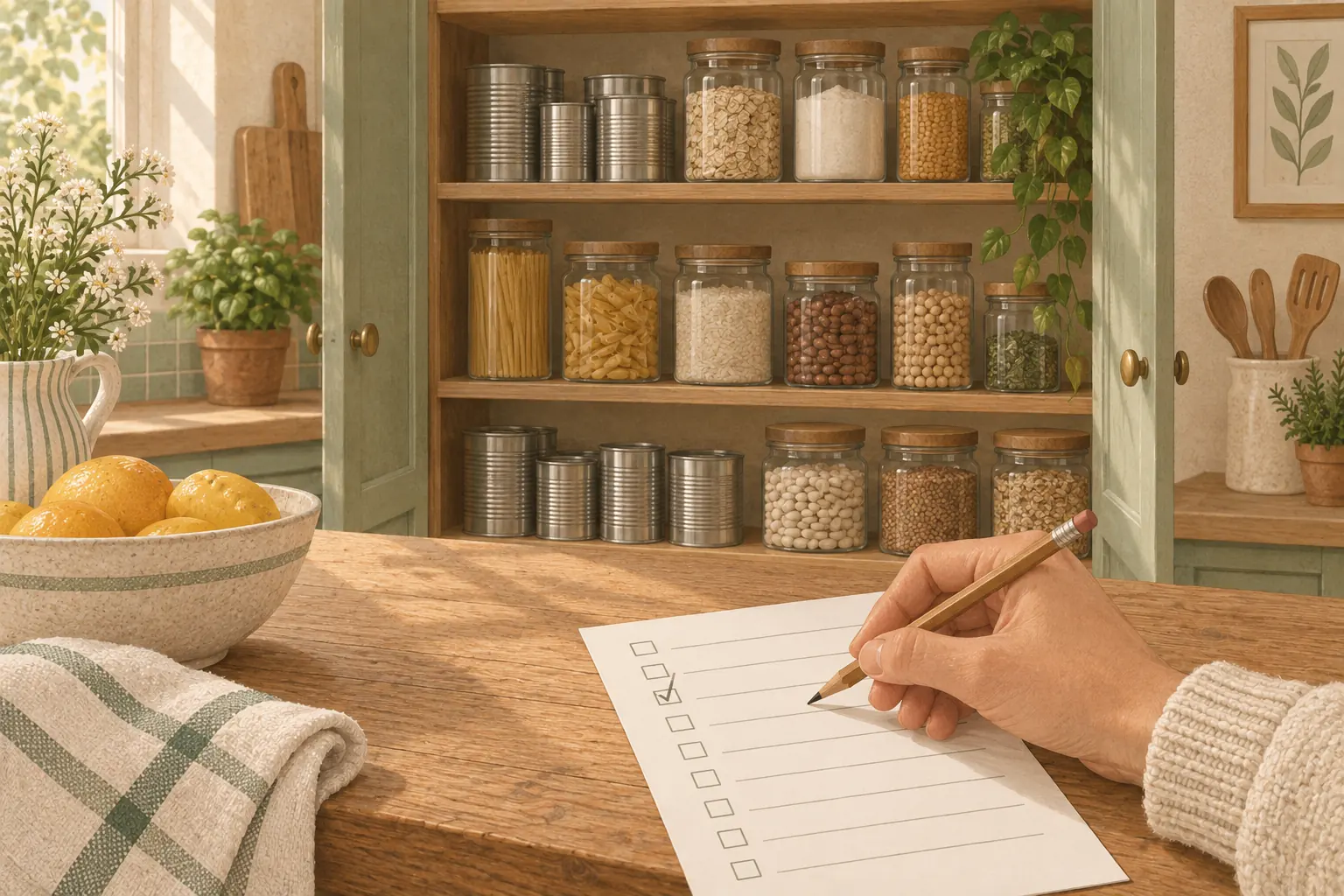
- Decide the meals first. Four or five dinners is plenty for most weeks. Leave room for leftovers and the night you won't cook.
- Write every ingredient in its section. Don't worry yet about whether you have it.
- Walk the kitchen with the list and tick "Have". Fridge, freezer, pantry. Anything ticked doesn't get bought. This is the step most lists skip, and it's where the third jar of cumin comes from.
- Add the regulars. Milk, bread, coffee, whatever runs out every week.
- Fill in Qty. "Chicken" is a guess; "2 lb chicken thighs" is a plan.
- Fill in Price if you're on a budget. An estimate is fine.
If step 3 is where you lose time, a pantry inventory list kept on the cupboard door turns it into a glance.
Using the Price column
The Price column turns a shopping list into a budget before you leave the house. To keep the whole month against a budget, use the grocery budget template alongside it.
Add up the estimates at the bottom of the page. If the total is over what you meant to spend, you can cut or swap something at the kitchen table, which is much easier than at the checkout. If you don't have a number to aim for, our grocery budget calculator works one out from USDA's food plans for your household. For the whole weekly routine around the list, see how to plan grocery shopping for a week.
The estimates get better quickly if you keep prices somewhere. A grocery price book records the usual price of the things you buy every week, so you know when a sale is actually a sale. And when two sizes of the same thing are on the shelf, our unit price calculator tells you which is cheaper per ounce.
Using the CSV in Google Sheets or Excel
The CSV has the same 29 lines as the PDF, with the category in the first column:
| Column | A | B | C | D | E | F |
|---|---|---|---|---|---|---|
| Heading | Category | Have | Item | Qty | Price | Cart |
In Google Sheets, use File, then Import, then Upload, and choose "Replace spreadsheet". In Excel or Numbers, just open the file.
A few things that make it more useful than the paper version:
- A running total. In an empty cell,
=SUM(E2:E30)adds up the Price column. - Checkboxes. In Google Sheets, select columns B and F and use Insert, then Checkbox.
- Your store's order. Sort or drag the rows so the categories match the way you walk your store.
- A master list. Keep one copy with every item you ever buy, then copy the rows you need into a new sheet each week.
If you share the sheet with someone, you both see the same list, which is the simplest version of a shared grocery list. That article covers the app-based options too.
A master list vs a weekly list
A master list is every item your household buys regularly, sorted by category. You don't shop from it. You copy from it: each week you go down the master list and move what you need onto a fresh weekly list.
It sounds like extra work. In practice it's faster, because you're scanning a list instead of trying to remember, and it's how people stop forgetting the same thing every week. The CSV is a good place to keep a master list, since you can add rows without running out of paper.
If you're setting up a kitchen from scratch, our pantry staples list is a ready-made starting point for the pantry, cans and baking sections, and the first apartment grocery list splits a new kitchen's shopping into day one, week one and month one.
Grocery list on a phone instead
Paper works well for one person and one weekly shop. It gets awkward when two people add things during the week, or when you want to know what's already at home while standing in the store.
Duneed, our iPhone app, has a shopping list you tick off as you go, and it keeps a pantry of what you already have, built by photographing your receipts. On the Premium plan a household shares one pantry and one shopping list. The two work together: a printed list for the big weekly shop, the app for everything in between.
Common questions
What are the categories of a grocery list?
The six that almost every list uses are produce, meat, dairy, pantry or dry goods, frozen, and household. This template splits those into 10 so the list matches a real store more closely: produce, bakery, deli, meat and seafood, dairy and eggs, pantry and dry goods, cans and jars, snacks and drinks, household and personal care, and frozen.
How do I organize a grocery list by aisle?
Write the sections in the order you walk your usual store, then put each item under its section. Put frozen and chilled items last. After one or two trips you'll know the order well enough that the list walks you through the store.
What should be on a basic grocery list?
Whatever your meals for the week need, plus the regulars that run out every week (milk, bread, eggs, coffee), minus anything you already have. Tick the "Have" column at home before you go, and the list stays short.
Is the printable free, and do I need to sign up?
It's free, and there's no signup. The PDF and CSV download directly from the links at the top of this page.
Can I edit the grocery list?
The PDF is for printing. For an editable version, open the CSV in Google Sheets, Excel or Numbers, where you can rename sections, add rows and reorder categories.
Sources
- shopping food safety guide ndsu.edu
Found a mistake? Tell us and we will correct it: support@duneed.app