
Expiration date tracker: free printable, spreadsheet setup and apps
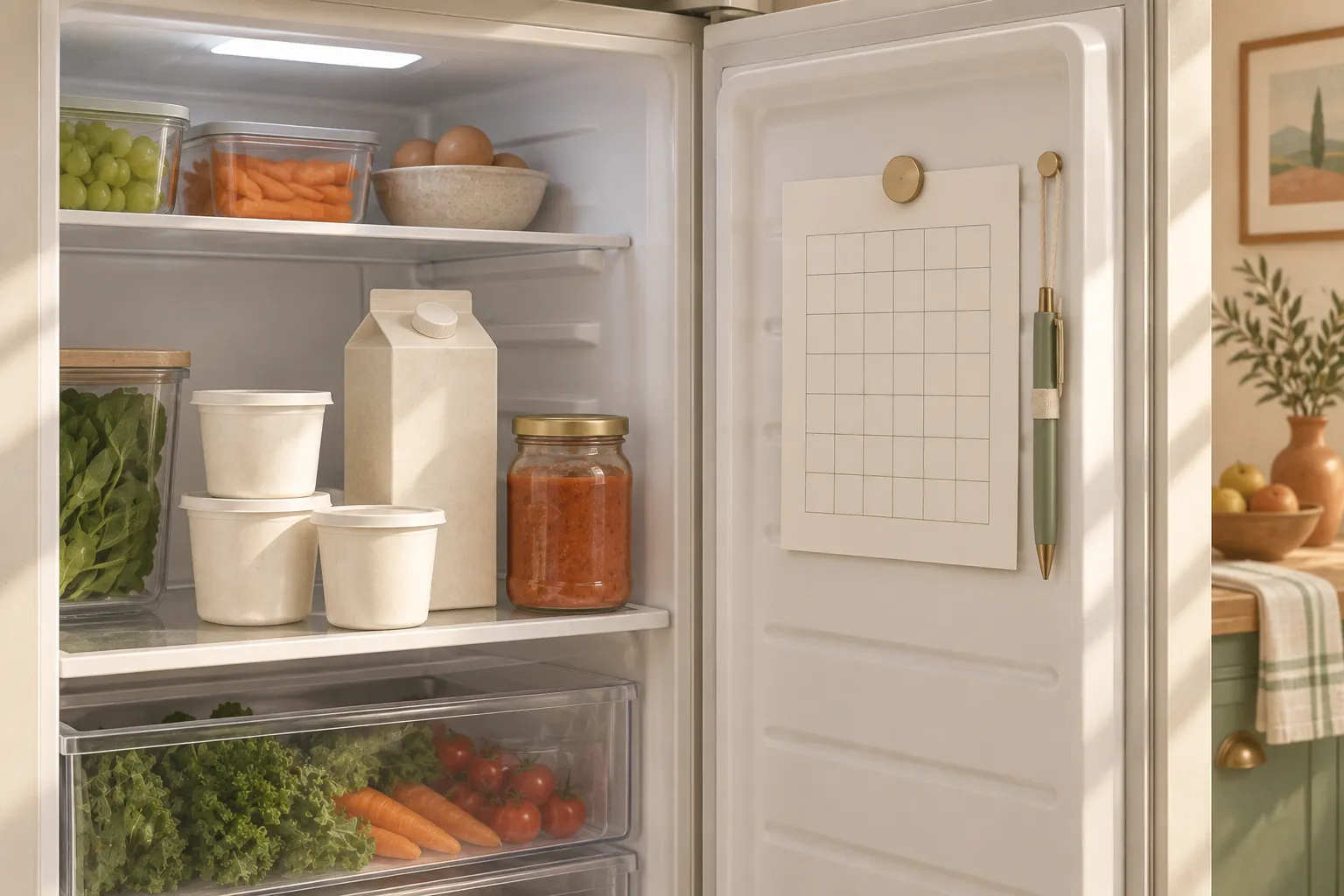
An expiration date tracker only has to do one job: tell you what to eat this week before you find it at the back of the fridge next month. Below you'll find our free one-page printable (US Letter and A4), a CSV you can open in Google Sheets or Excel with step-by-step color coding, and a plain comparison of when a phone app does the job better.
To keep track of expiration dates at home, list only the things that can quietly go off: use-by foods, opened jars, backups and bulk buys. Write the date on the pack and whether it's best before or use by, pick one day a week to read the list, and move anything due within 3 days to the front.
Download the free expiration date tracker template
The printable is a single portrait page with about 28 rows. Print it, put it on the fridge with a magnet, and keep a pencil next to it.
- Expiration date tracker, US Letter (PDF)
- Expiration date tracker, A4 (PDF)
- Expiration date tracker, spreadsheet version (CSV)
Each column is there for a reason:
| Column | What to write | Why it's there |
|---|---|---|
| Item | "Greek yogurt, 32 oz" or "pesto, opened" | Enough to find it without opening every container |
| Where | Circle Pantry, Fridge or Freezer | Tells you which door to open on check day |
| Date on pack | The printed date, exactly as it appears | Copying it stops you trusting memory |
| Label | BB (best before) or UB (use by) | The two labels mean different things, so the letters decide how urgent a row is |
| Check again on | The day you want to look at it next | Covers jars that say "use within 5 days of opening", where the printed date no longer applies |
| Done | Tick when it's eaten, frozen or gone | A ticked row is one you can skip while scanning |
The "Check again on" column is the one people leave blank, and it's the one that saves the most food. A jar of pesto might carry a best-before date in November, but if the label says to use it within 5 days of opening and you opened it on October 1, the date that matters is October 6. Write that.
Skip a quantity column. Nobody weighs the rest of a bag of rice, and a tracker that asks for detail it doesn't need gets abandoned by week two. If you want to know how much of everything you have, that's a different sheet: our pantry inventory list template is built for counting, and the freezer inventory sheet handles the freezer, where dates matter less than knowing what's buried at the bottom.
What to track and what to leave off
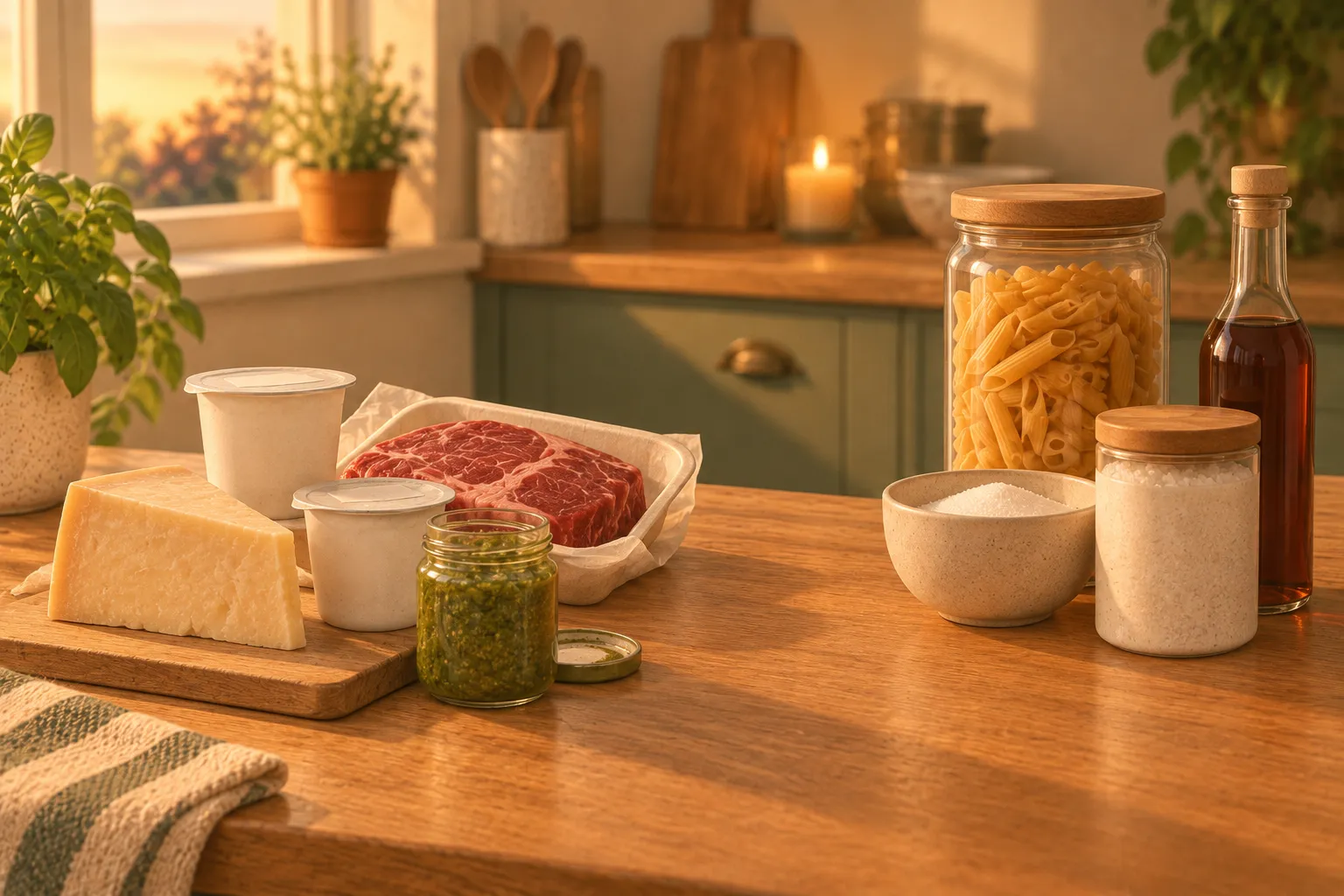
A tracker with 60 rows is a tracker you stop reading. Be picky.
Put these on the list:
- Anything labeled use by: fresh meat and fish, most dairy, ready meals, fresh pasta.
- Opened jars and cartons with a "use within X days of opening" instruction.
- Backups. The second bottle of ketchup behind the first one is exactly what expires unseen.
- Bulk buys, like the club-store tub of mixed nuts you'll get through in months, not days.
- Things stored out of sight: baking supplies, the top shelf, the garage chest freezer.
Leave these off:
- Food you finish faster than its date, like the loaf of bread that's gone in three days.
- Fresh produce without a printed date. Lettuce tells you it's wilting; a spreadsheet can't.
- Spices. Their best-before date is about flavor, and logging each jar of cumin isn't worth the pencil.
- Salt, sugar and anything else you'd never throw out for being a year old.
If you fill all 28 rows inside two weeks, you're logging too much. A typical week should add a handful of rows, not a dozen.
BB or UB: why the label column matters
Date labels aren't all warnings. In the UK, government guidance on best before and use-by dates says a use-by date tells you when food is no longer safe to eat, while after a best-before date food is usually safe but may not be at the same quality. In the US the wording on packs varies more ("best if used by", "use by", "sell by"), and the FDA estimates that confusion about date labels accounts for about 20 percent of consumer food waste.
That's why the template asks for two letters instead of one date. A UB row due Tuesday needs a plan; a BB row due Tuesday is a quality prompt. For what each label means in detail, including sell-by and freeze-by, read best before vs use by vs sell by. We're not a food-safety authority, so when a row goes past its date, that guidance is what to follow, not the tracker.
Paper, spreadsheet or app: which expiration tracker suits you
All three methods work. They fail in different ways, so pick the one whose weak spot you can live with.
| Paper sheet | Spreadsheet | Phone app with reminders | |
|---|---|---|---|
| Setup time | Print it, done | 10 to 15 minutes, once | Install, then add items |
| Cost | A sheet of paper | Free (Google Sheets) or your Office license | Free tiers, often with paid upgrades |
| Sorts by date | No, you scan the list | Yes, one menu click | Yes, automatically |
| Warns you | Only if you look | Colors the rows when you open the file | Notification without opening anything |
| Shared household | Everyone sees the fridge door | Share the file | Depends on the app, often a paid feature |
| Weak spot | Rows stay in the order you wrote them | You still have to open it | Someone still types or confirms every date |
| Suits | One kitchen, one person who writes things down | People who already live in spreadsheets | People who ignore paper and act on alerts |
Paper is underrated. It's visible every time you open the fridge, and crossing a row out is satisfying in a way tapping a checkbox isn't. Its real flaw is order: the yogurt due tomorrow sits on row 19 under things due in March, so on check day you read every line.
A spreadsheet fixes the order problem and adds color, which is the closest thing to an alert you get without an app. It suits someone who keeps a budget in Sheets anyway. It doesn't suit anyone who won't open a file on a Sunday evening.
An app is the only option that comes to you. If your problem is forgetting to look, the other two can't solve it.
How to make an expiration date tracker in Google Sheets
This setup sorts the list by date and colors rows amber when they're within 3 days and red once the date has passed. It uses the CSV above, where the columns are A Item, B Where, C Date on pack, D Label, E Check again on, F Done.
- Import the file. Open a blank spreadsheet, go to File > Import > Upload, choose the CSV, pick "Replace spreadsheet" as the import location and click Import data.
- Check the date format before typing a single date. Go to File > Settings, and under General set the Locale. "United States" reads 10/04/2026 as October 4; "United Kingdom" reads it as 10 April. Google's help page on spreadsheet locale settings explains that the locale changes the date formatting for the whole file.
- Make column E fill itself. In E2 type
=IF(C2="","",C2)and drag the small square at the corner of the cell down to row 200. Every row now copies the pack date into "Check again on". For an opened jar, just type the earlier date over the formula in that row. If E shows a number like 46299 instead of a date, select the column and choose Format > Number > Date. - Turn Done into checkboxes. Select F2:F200 and click Insert > Checkbox.
- Add the red rule. Select A2:F200, open Format > Conditional formatting, and under "Format cells if…" choose Custom formula is. Enter
=AND($E2<>"",$F2<>TRUE,$E2<TODAY()), pick a red fill and click Done. - Add the amber rule. Click Add another rule, choose Custom formula is again, and enter
=AND($E2<>"",$F2<>TRUE,$E2>=TODAY(),$E2-TODAY()<=3)with an amber or yellow fill. - Sort on check day. Select A1:F200, go to Data > Sort range > Advanced range sorting options, tick "Data has header row", sort by "Check again on" A to Z (for dates that means oldest first), and click Sort.
The dollar signs keep every rule looking at columns E and F while it colors the whole row, and the $F2<>TRUE part means ticked rows lose their color. Google's conditional formatting help notes that rules are evaluated in the order listed and the first true rule wins; the two formulas above don't overlap, so their order doesn't matter. The sorting steps are covered in Google's sort and filter help page.
If you only want the date cells colored, Sheets has a built-in "Date is before" condition with "today" as an option. It works, but it can't do "within 3 days", which is the warning you actually need.
How to set it up in Excel
The logic is the same; the menus differ.
- Open the CSV with File > Open, then save it straight away as an Excel workbook (.xlsx). A CSV file can't store formatting, so your colors would disappear the next time you open it.
- In E2 type
=IF(C2="","",C2)and drag the fill handle down to row 200, as above. If the column shows serial numbers like 46299, select it and pick Short Date from the number format list on the Home tab. - Use Done as a plain column: type an x when an item is finished.
- Select A2:F200, then go to Home > Conditional Formatting > New Rule and choose Use a formula to determine which cells to format. Enter
=AND($E2<>"",$F2="",$E2<TODAY()), click Format, pick a red fill on the Fill tab and click OK. - Repeat for amber with
=AND($E2<>"",$F2="",$E2>=TODAY(),$E2-TODAY()<=3). - To sort, click any date in column E, open the Data tab and use the ascending sort button in the Sort & Filter group, which Excel calls Sort Oldest to Newest when the column holds dates. Microsoft's sort help page warns that dates stored as text won't sort correctly, so if a row lands in a strange place, retype that date.
Excel also offers Highlight Cells Rules > A Date Occurring, with choices like "Next week", but there's no "next 3 days" option, which is why the formula route earns its extra minute. Rules you add later can be edited under Home > Conditional Formatting > Manage Rules; Microsoft's conditional formatting guide walks through that dialog.
A worked example
Say it's Sunday, October 4, 2026, and your sorted sheet looks like this:
| Item | Where | Date on pack | Label | Check again on | E minus today | Color |
|---|---|---|---|---|---|---|
| Chicken thighs | Fridge | Oct 3 | UB | Oct 3 | minus 1 | Red |
| Pesto, opened Oct 1 (use within 5 days) | Fridge | Nov 20 | BB | Oct 6 | 2 | Amber |
| Greek yogurt | Fridge | Oct 7 | UB | Oct 7 | 3 | Amber |
| Flour tortillas | Pantry | Oct 9 | BB | Oct 9 | 5 | None |
| Peas, second bag | Freezer | Jun 1, 2027 | BB | Jun 1, 2027 | 240 | None |
| Tahini | Pantry | Mar 14, 2027 | BB | Mar 14, 2027 | 161 | None |
Three rows need attention and they're the top three. The pesto shows why column E exists: sorted by the pack date it would sit below the tortillas, looking fine until November. The yogurt at exactly 3 days turns amber because the rule uses "less than or equal to", so it goes on this week's lunch plan. The chicken is a use-by row that has passed, and that call belongs to the label guidance, not to a spreadsheet color.
Cans and boxes often carry a stamped number instead of a date in words. Our Julian date converter turns that into a calendar date, so it can go on the sheet with everything else. Canned food shelf life has USDA's ranges for the cans themselves.
Expiration date tracker apps: what they do well and where they fall short
Apps earn their place with one feature: a notification that arrives when you aren't thinking about food. Everything else a good sheet can do.
Where they differ is how items get in. Some scan a product barcode to fill in the name, some read a grocery receipt, and a few offer an estimated date based on the type of food. Keep that last one in perspective: an estimate is a general storage guideline, not the date printed on your carton. For general storage times, the FDA points people to FoodKeeper, a guide that covers how long foods keep in the pantry, fridge and freezer. Whatever app you pick, check its reminder settings before you add fifty items; a daily digest is easier to live with than a buzz per carton. For the federal fridge and freezer times themselves, see how long does food last in the fridge.
Duneed, the iPhone app we make, fills the pantry from a photo of your grocery receipt, and then you type the expiry date for the items you care about; it doesn't read dates off packs or guess them. From there it does what the spreadsheet above does, without you opening a file: an amber badge a few days before the date, red once it has passed, and one evening notification a day that collects what needs eating. If you're comparing options, our roundup of the best pantry inventory apps covers others, including ones with barcode scanning.
The trade-off is the same one paper has. Every app still needs someone to enter or confirm the date for each item, and a household where nobody does that ends up with an empty app instead of an empty sheet.
A 10-minute weekly routine that keeps any tracker working

Most trackers go stale around week three, when the list stops matching the fridge. This routine is short enough to keep up.
- When you unpack groceries, add rows only for the items on your "track" list. Two minutes, pencil or phone in hand.
- Pick one check day, ideally the evening before you shop. Read the tracker, then open the fridge. The FDA's own food-waste advice is to check your fridge often so you know what needs to be used.
- Move every amber item to one spot at eye level in the fridge. A small bin labeled "eat first" works better than good intentions, and it's the starting list for meal planning from your pantry.
- Freeze what you won't reach in time, where the pack allows it. UK guidance says food frozen before its use-by date won't deteriorate, because bacteria can't grow on frozen food, and asks you to use it within 24 hours of defrosting. Then update the row: Where becomes Freezer.
- Tick Done or cross the row out as soon as something is finished. Stale rows are how a tracker loses your trust.
- Once a month, pull everything forward on one pantry shelf and add anything you'd forgotten. A Sunset guide to pantry expiration dates suggests checking dry goods monthly, perishables weekly and cans and jars about every six months, which lines up with this rhythm.
When a paper sheet is full, don't copy the old rows across. Start a fresh page with only the unticked items, which is often only a few lines.
Expiration date tracker FAQ
How many days before the date should a reminder go off?
Three days is a good default for fridge items, since it gives you a weekend or a couple of dinners to plan around. For pantry backups with dates months out, a reminder one month ahead is plenty; a 3-day warning on a jar you'd need to plan a recipe around comes too late.
Can I use the same tracker for medicine and toiletries?
Yes, the template works for anything with a printed date: vitamins, sunscreen, first-aid supplies. Use a separate sheet, though, so the fridge list stays short, and write the cabinet or drawer in the Where column instead of circling a food location. For what an expired medicine means for you, ask a pharmacist.
Is a printable or an app better for a family?
A printed sheet on the fridge is the easiest shared tracker there is, because everyone sees it without an invite. It breaks down when people forget to write things down or tick them off. An app with a shared household list solves the ticking problem, but only if everyone installs it and uses it.
Should I track the date I bought something or the date on the pack?
The date on the pack, every time. The purchase date tells you nothing about how long a product lasts, and two cartons bought the same day can carry dates a week apart. The exception is food with no printed date, like leftovers; for those, write the date you made them in "Date on pack" and set "Check again on" to when you want to have eaten them.
Sources
- best before and use-by dates gov.uk
- about 20 percent of consumer food waste fda.gov
- spreadsheet locale settings support.google.com
- conditional formatting help support.google.com
- sort and filter help page support.google.com
- sort help page support.microsoft.com
- conditional formatting guide support.microsoft.com
- Sunset guide to pantry expiration dates sunset.com
Found a mistake? Tell us and we will correct it: support@duneed.app